
Create and Edit AI Images with GPT Image Workflows
Create GPT Image visuals from prompts and references in a clean browser workspace.


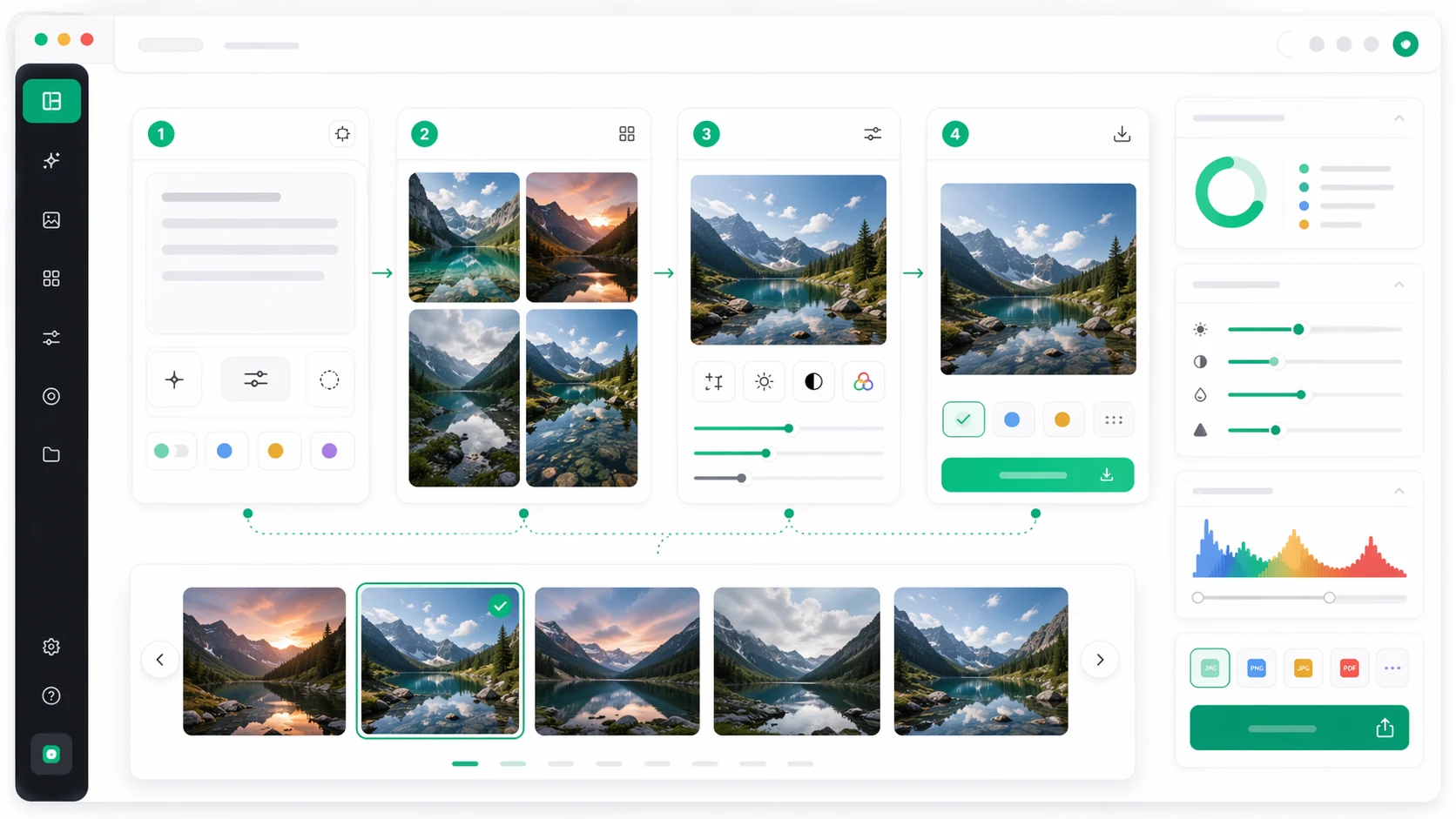
Everything Searchers Need After Typing GPT Image
GPT Image searches usually mean one of four jobs: create a new image, edit an uploaded image, learn prompt structure, or understand model naming. GPT Images puts those workflows on one page instead of scattering them across tools and guides.
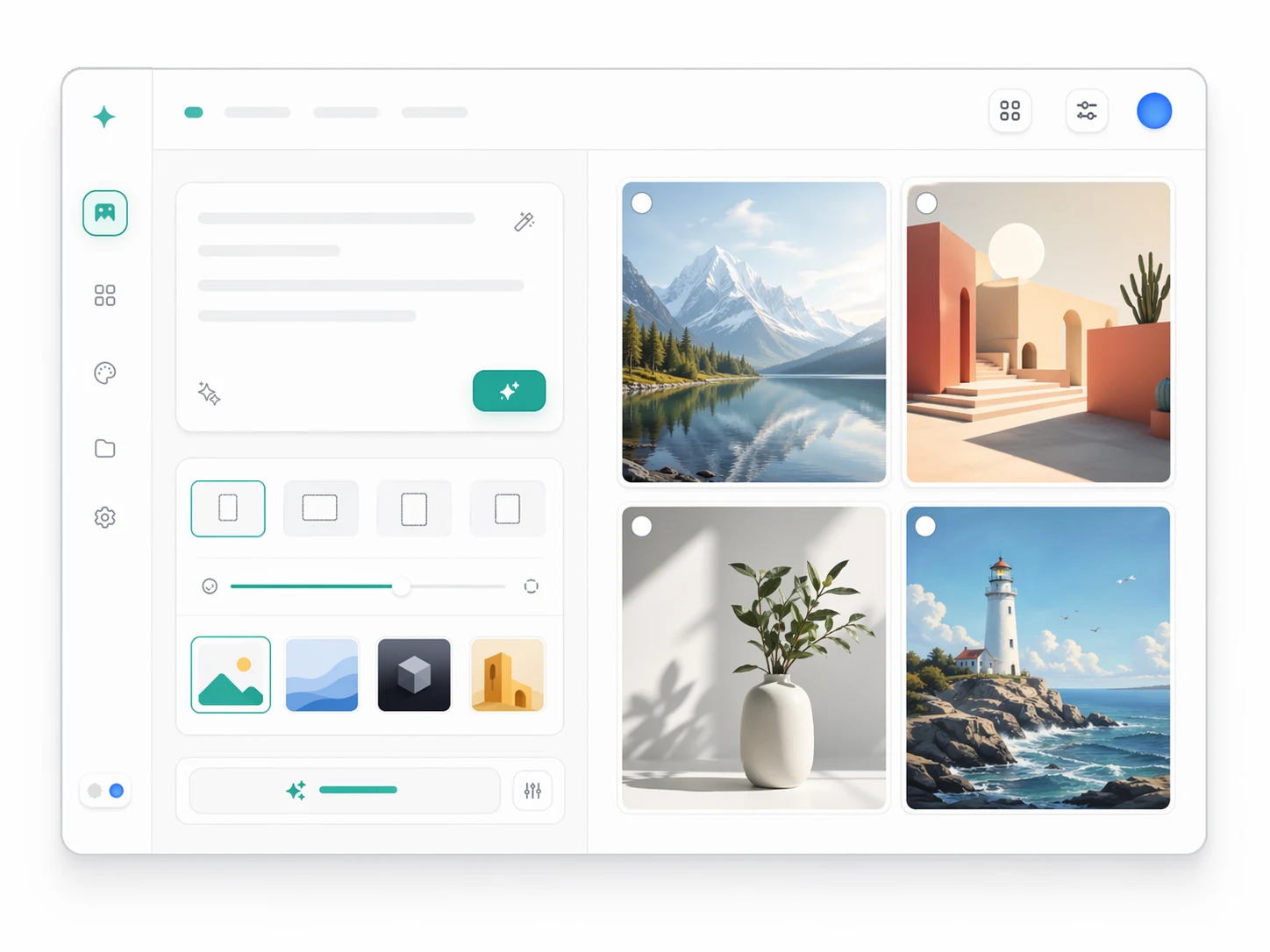
Generate from a Prompt
Turn a rough idea into a usable first image with clear subject, scene, medium, lighting, framing, and constraints.
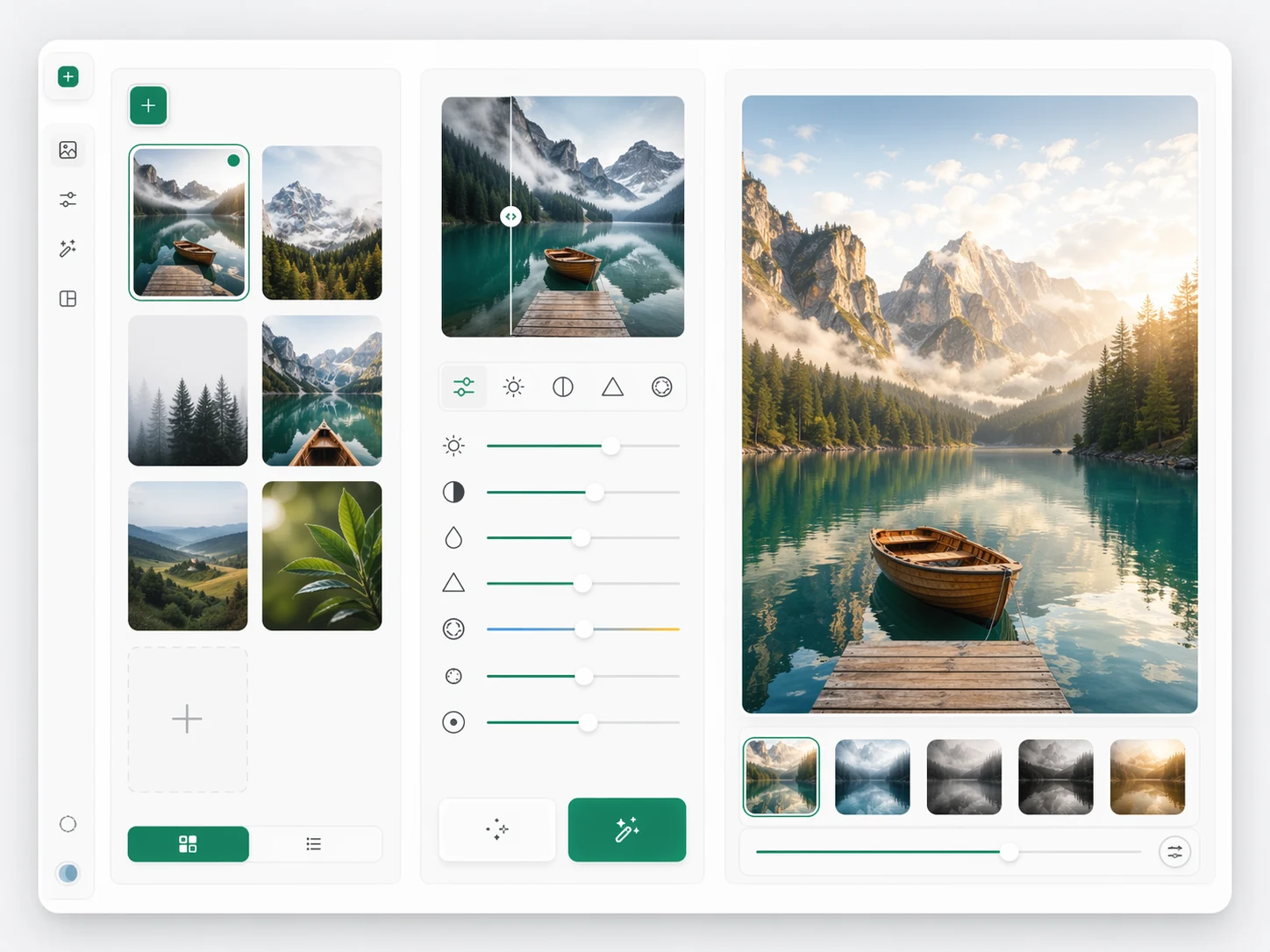
Edit and Refine Images
Use image-to-image workflows when you want to preserve a direction, adjust details, or improve an existing visual instead of starting over.
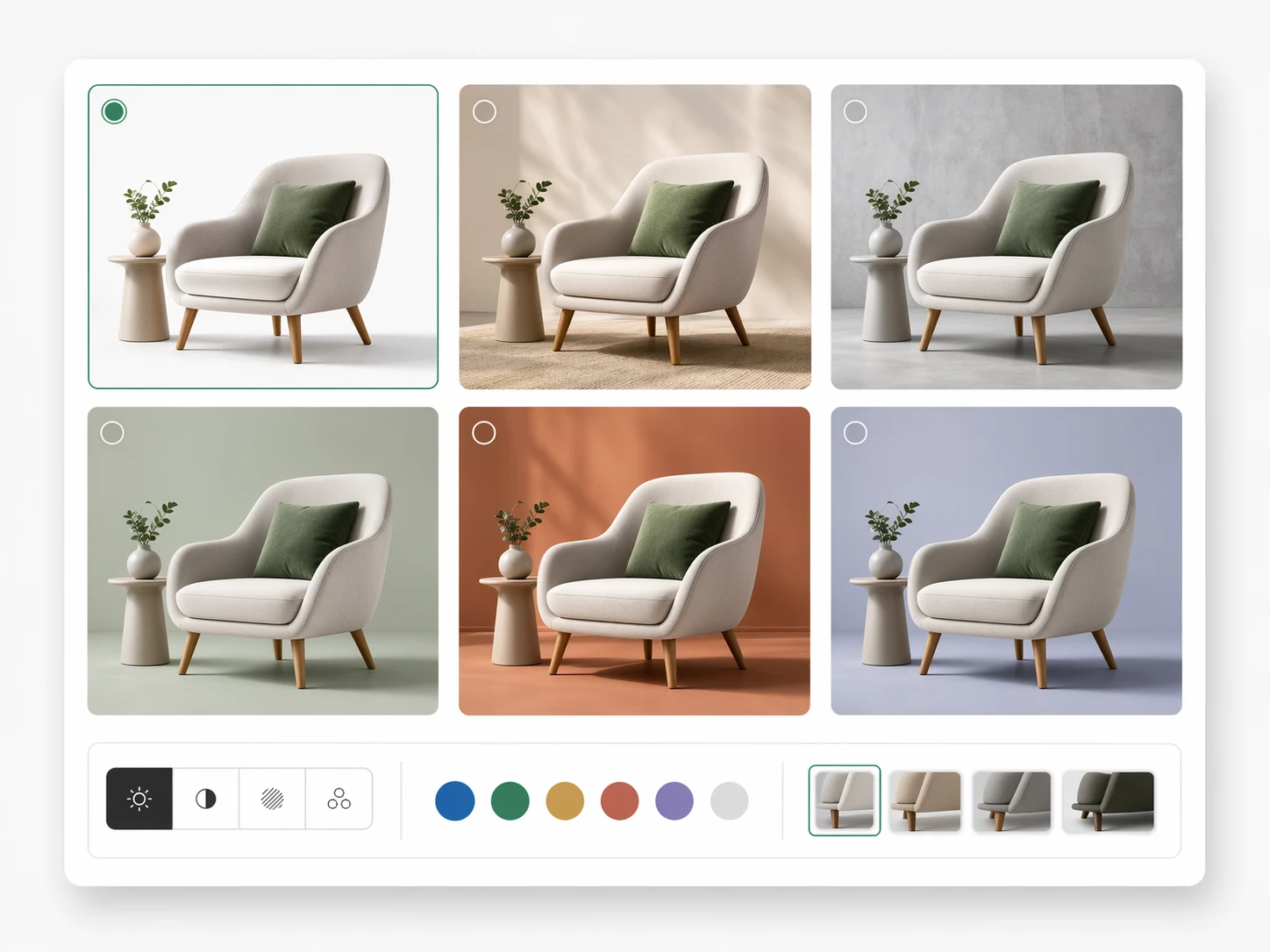
Use References for Control
Anchor composition, color, style, product detail, or mood with references when natural-language prompts are not precise enough.
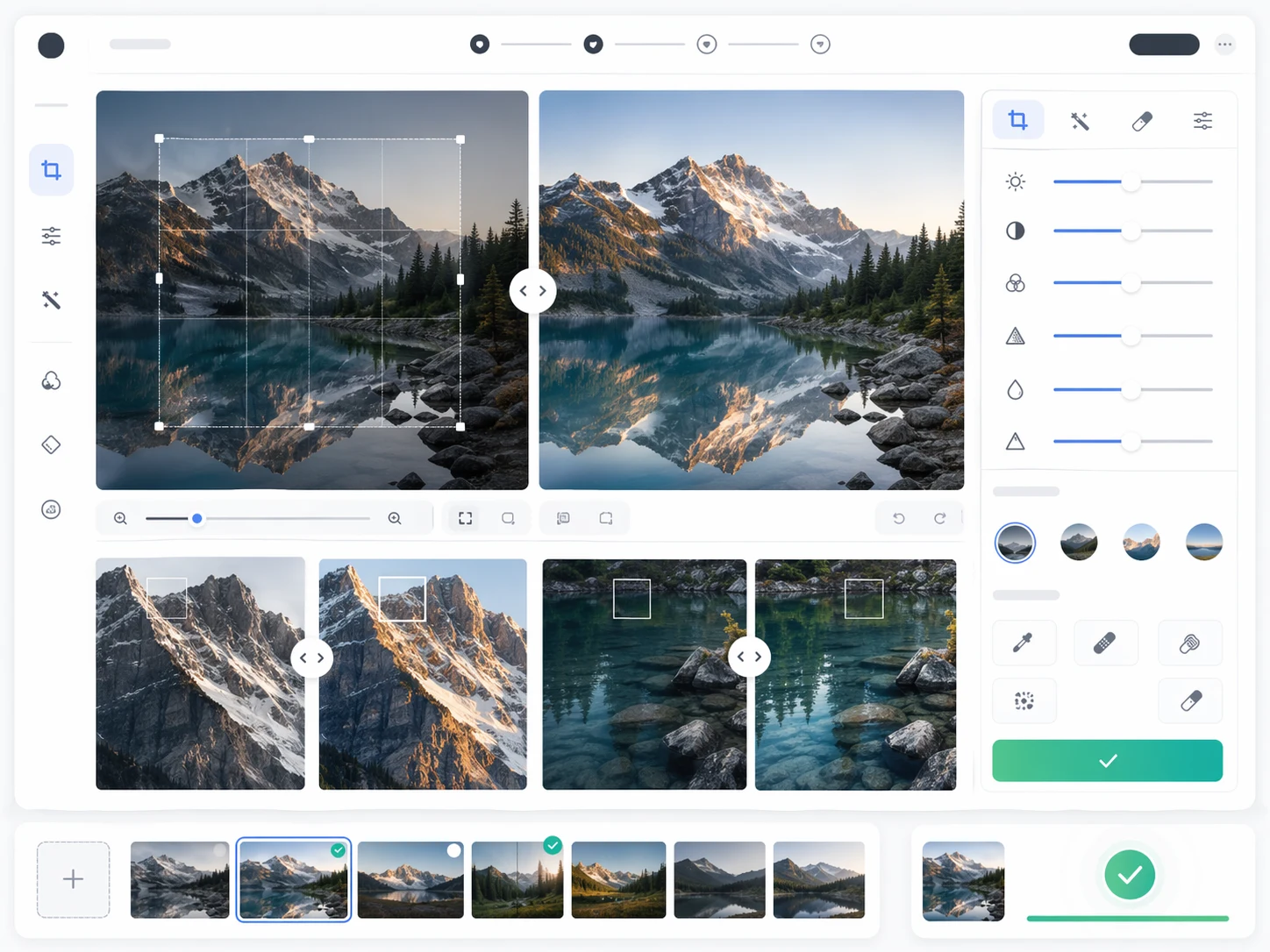
Export Review-Ready Visuals
Compare variations, keep the strongest route, and prepare images for landing pages, ads, decks, product content, or creative reviews.
Why Use GPT Images for GPT Image Creation
The page is built for practical intent: fast generation, clearer prompting, reference-aware control, and honest context about independent GPT Image tools.
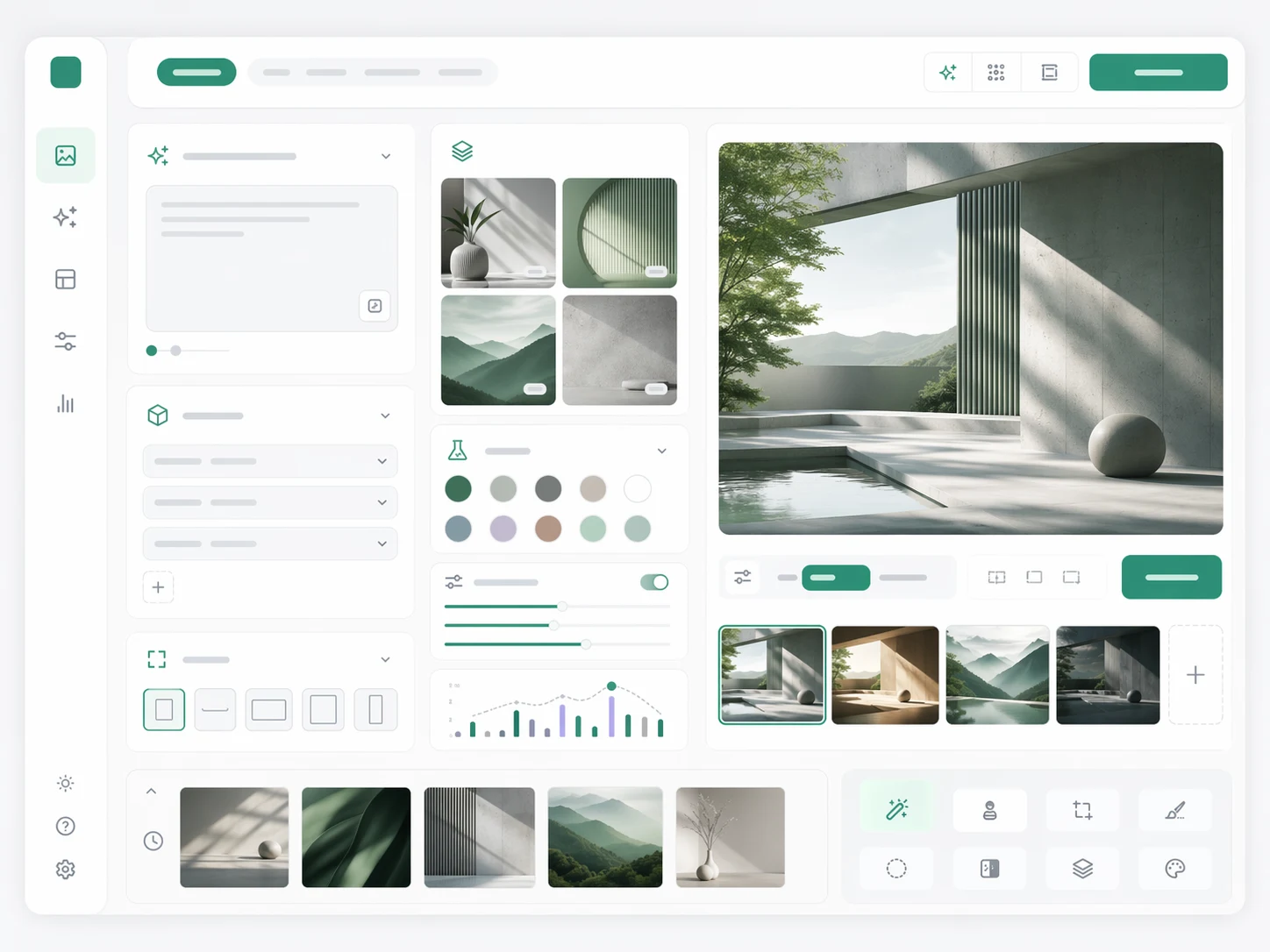
A Practical GPT Image Workflow
Move from search intent to finished output with a repeatable loop for prompts, references, variations, and export.
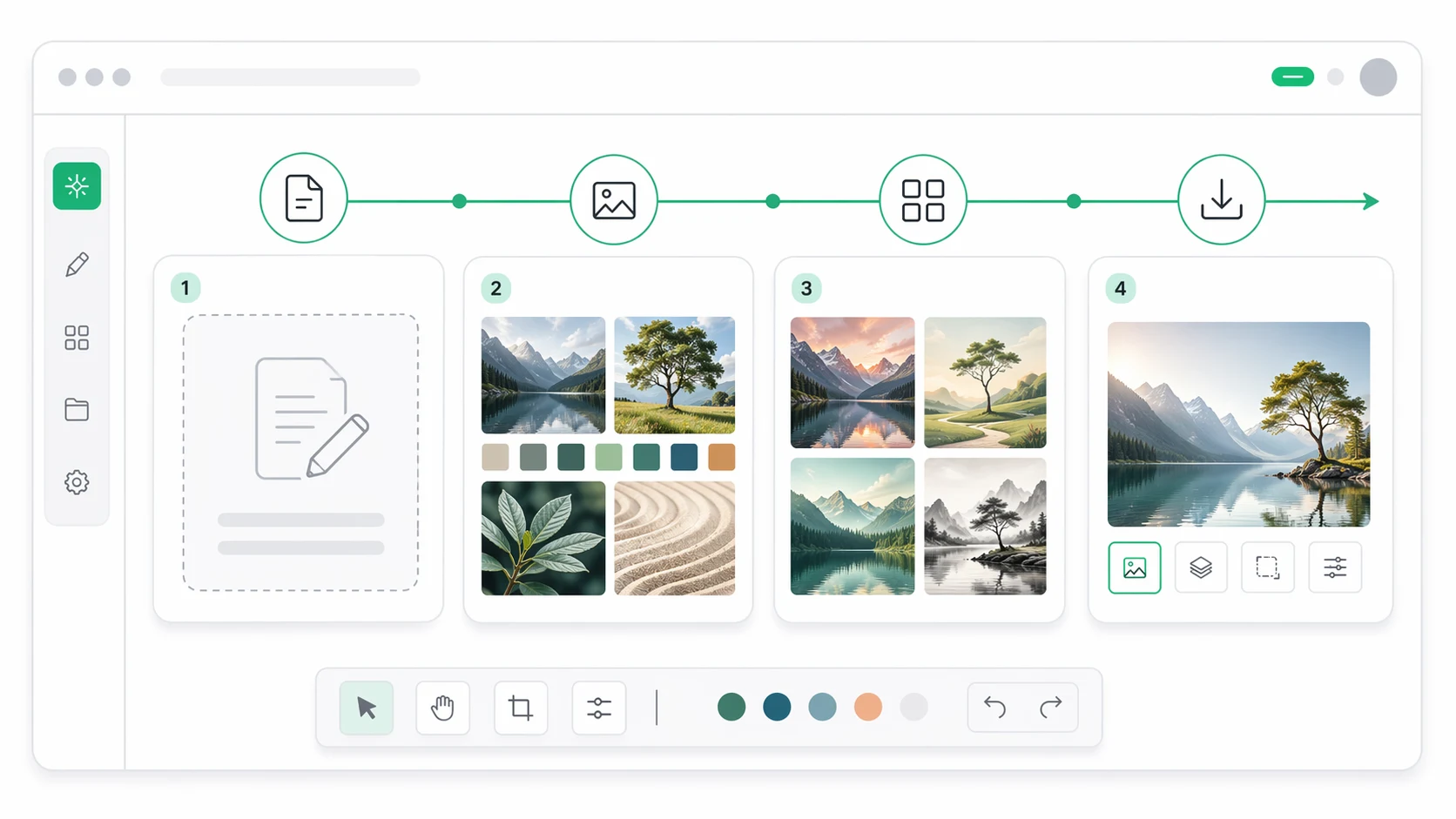
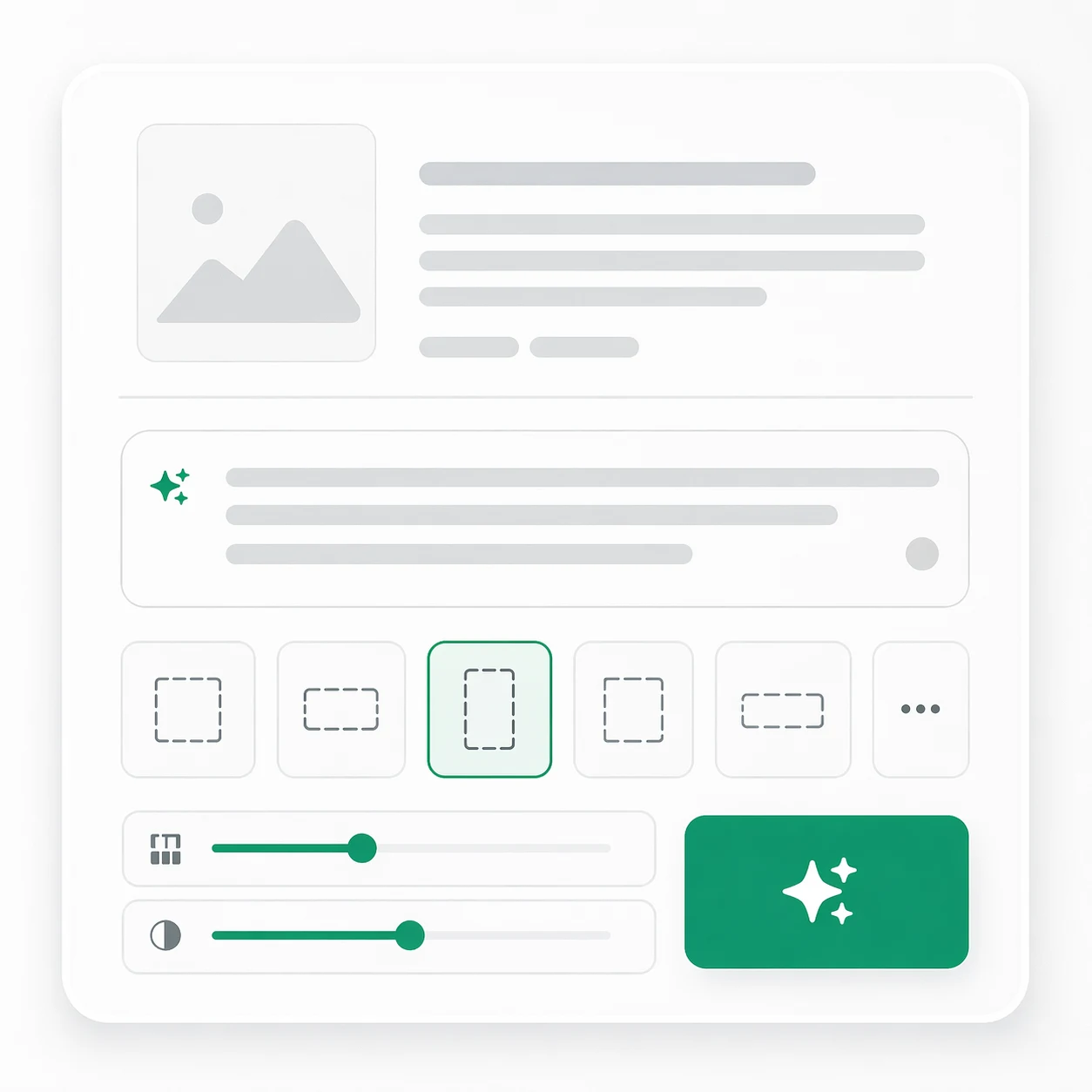
Define the Image Goal
Choose the format, subject, audience, and downstream use before generating.
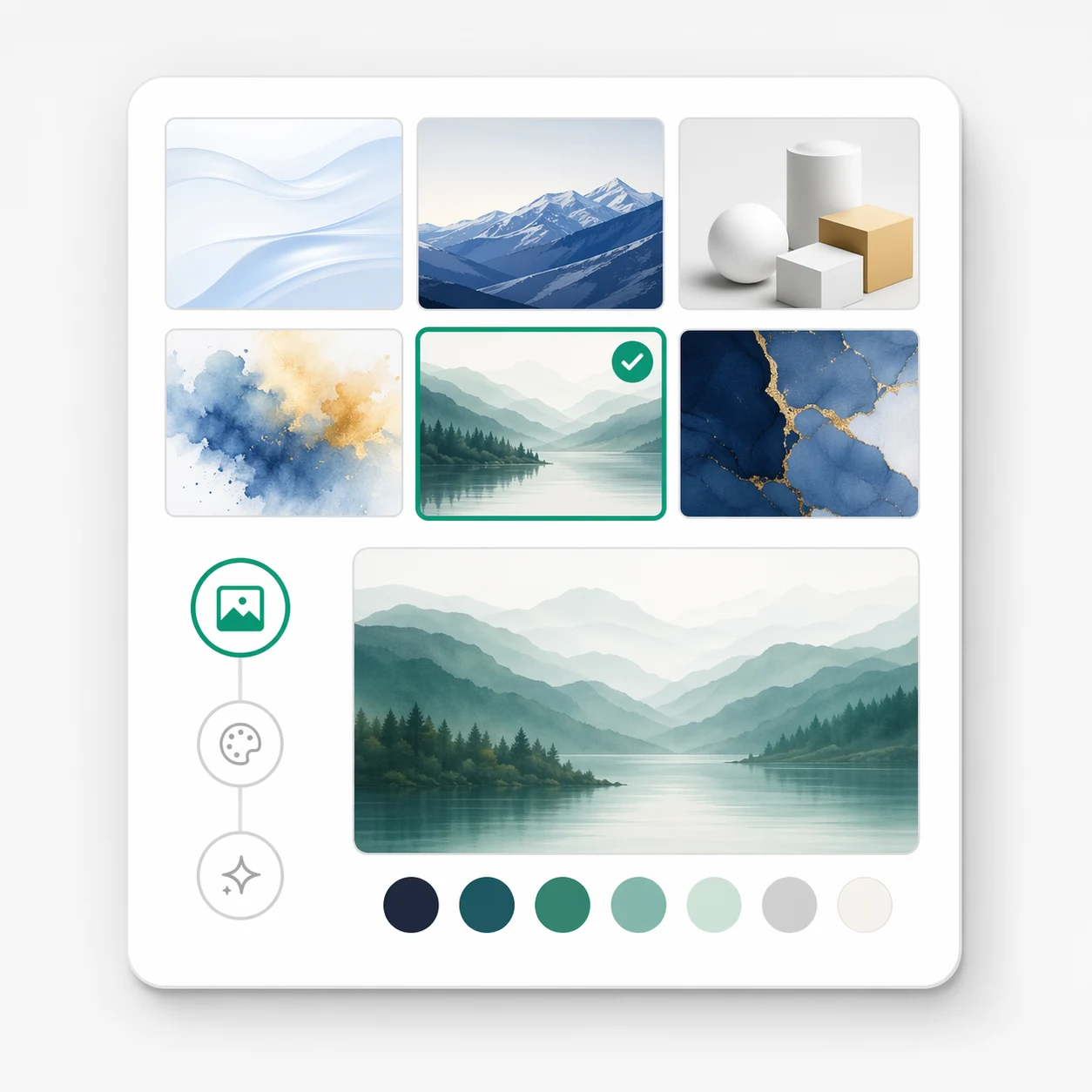
Add Visual Direction
Use reference images, brand cues, and constraints to steer style and composition.
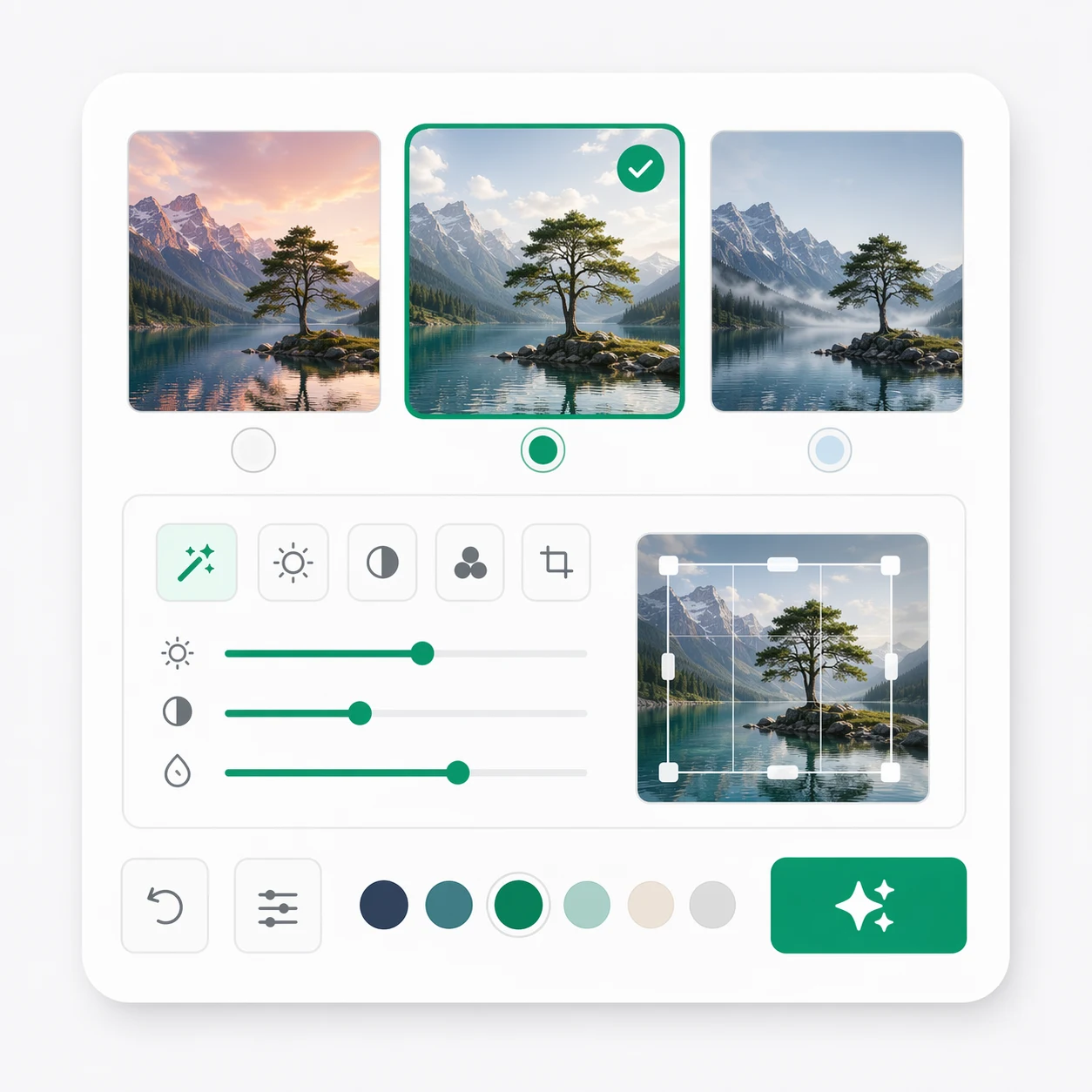
Generate and Compare
Create a focused set of options, then select the direction that best matches the task.
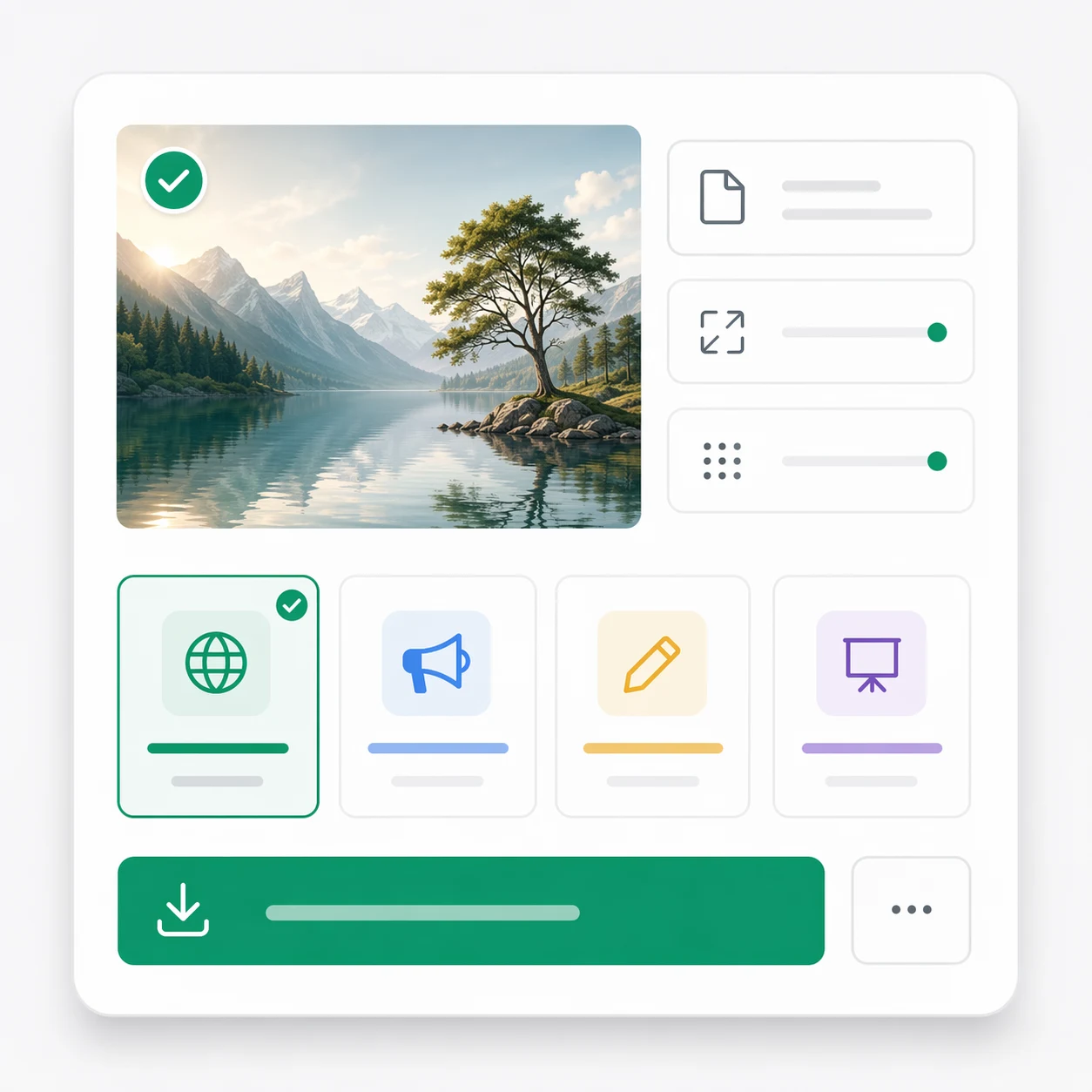
Refine for Delivery
Tighten details, fix drift, and export images for web pages, ads, decks, or content systems.
GPT Image Features
Core capabilities for users who need an online GPT Image generator and image-editing workflow.
Text-to-Image Generation
Create AI images from natural-language prompts for concepts, ads, covers, and product visuals.
Image-to-Image Editing
Start from an uploaded visual when you need changes, improvements, or stylistic variations.
Reference-Guided Creation
Use visual references to guide palette, subject detail, composition, and atmosphere.
Variation Testing
Generate multiple routes and compare them before a team commits to one creative direction.
Prompt Guidance
Learn prompt patterns for clearer outputs, stronger text rendering, and less visual drift.
Export-Ready Output
Prepare final images for marketing pages, ecommerce, blog posts, presentations, and reviews.
Built Around GPT Image Search Intent
GPT Images answers the common next questions after a user searches for GPT Image.
Generate Start from a prompt
Start from a prompt
Edit Refine existing images
Refine existing images
Learn Improve prompts and workflow
Improve prompts and workflow
What Creators Say About GPT Images
How teams use GPT Image workflows for faster concepts, clearer reviews, and production-ready visual sets.
GPT Images gave us a direct path from GPT Image search intent to review-ready visual options. The team could compare directions instead of debating one output.
Maya Ortiz, Creative Lead
Maya Ortiz
Creative Lead
We used the GPT Image workflow to test product-story visuals before launch and cut a lot of back-and-forth.

Daniel Wu, E-commerce Operator
Daniel Wu
E-commerce Operator
The reference workflow keeps outputs closer to our brand system instead of drifting into random styles.

Nina Park, Brand Designer
Nina Park
Brand Designer
GPT Images helps us present stronger first-round concepts for ads, landing pages, and campaign mockups.

Leo Martins, Agency Founder
Leo Martins
Agency Founder
I can move from mood references to exportable launch visuals without losing context across tools.

Aisha Rahman, Content Strategist
Aisha Rahman
Content Strategist
The win is structured iteration. GPT Image work feels more like directing a visual system than gambling on prompts.
Jonas Keller, Independent Creator
Jonas Keller
Independent Creator
GPT Image FAQ
Answers for users searching GPT Image: generation, editing, references, official naming, pricing, and practical use cases.
Start Your GPT Image Workflow
Generate, edit, compare, and export stronger AI image assets in a browser-first GPT Images workspace.